
What is Multi-Cluster Kubernetes?
Learn more about how to wrangle multiple Kubernetes clusters with Meshery.
Developers working in fast-paced environments often face infrastructure sprawl. Even with containerized deployments on Kubernetes, managing hundreds or thousands of clusters across projects remains a challenge.
A Kubernetes multi-cluster setup solves this by distributing workloads across several independent clusters, delivering better isolation, availability, and scalability.
What Is a Kubernetes Multi-Cluster Setup?
In a multi-cluster architecture you run multiple, independent Kubernetes clusters — they can live on the same physical host, across data centers, or in different regions and cloud providers. Each cluster manages its own control plane and resources.
This approach gives you:
- Stronger workload isolation
- Geographic distribution & lower latency
- Reduced blast radius in case of failures or breaches
- Easier compliance and governance
Why Use Multi-Cluster Kubernetes?
Common drivers include:
- Tenant & environment isolation (dev / staging / prod)
- High availability & failover across regions
- Avoiding vendor lock-in
- Security & compliance boundaries
- Independent upgrade schedules per environment
Cluster Discovery and Tenant Isolation
Namespaces offer only soft multi-tenancy. A compromised or noisy neighbor in one namespace can affect the entire cluster. Separate clusters give you hard isolation — perfect for different teams, customers, or compliance regimes.
Failover and Resilience
With multiple clusters, traffic can shift to healthy clusters automatically if one fails — eliminating single points of failure.
Multi-Cluster vs Multitenancy
| Approach | Shared Control Plane | Isolation Level | Typical Use Case | |----------------|----------------------|-------------------|--------------------------------------| | Multitenancy | Yes | Soft (namespaces) | Cost-sensitive, moderate isolation | | Multi-cluster | No | Hard | Production, compliance, HA, geo-distribution |
Many organizations use a mix of both.
When Should You Go Multi-Cluster?
Consider multi-cluster if you need:
- Workloads in multiple geographic regions
- Strict regulatory or security separation
- Independent lifecycle management per environment
- Zero-downtime upgrades or blue/green deployments
Key Benefits
- True tenant isolation — changes in one cluster never affect others
- No single point of failure
- No vendor lock-in — move workloads freely between clouds
- Independent scaling & upgrades per cluster
Managing the Complexity
The more clusters you have, the greater the operational overhead. You need:
- A unified view of all clusters
- Easy context switching
- Consistent policy enforcement
- Automated lifecycle management
That’s exactly where Meshery, the open-source cloud native manager, shines. Meshery provides a single management plane for any number of Kubernetes clusters (and service meshes) with its built-in MeshSync controller continuously discovering and cataloging resources across all connected clusters.
Deprovisioning Old Clusters
When a cluster is no longer needed, delete it cleanly:
1# Example with GKE2gcloud container clusters delete CLUSTER_NAME --region REGION
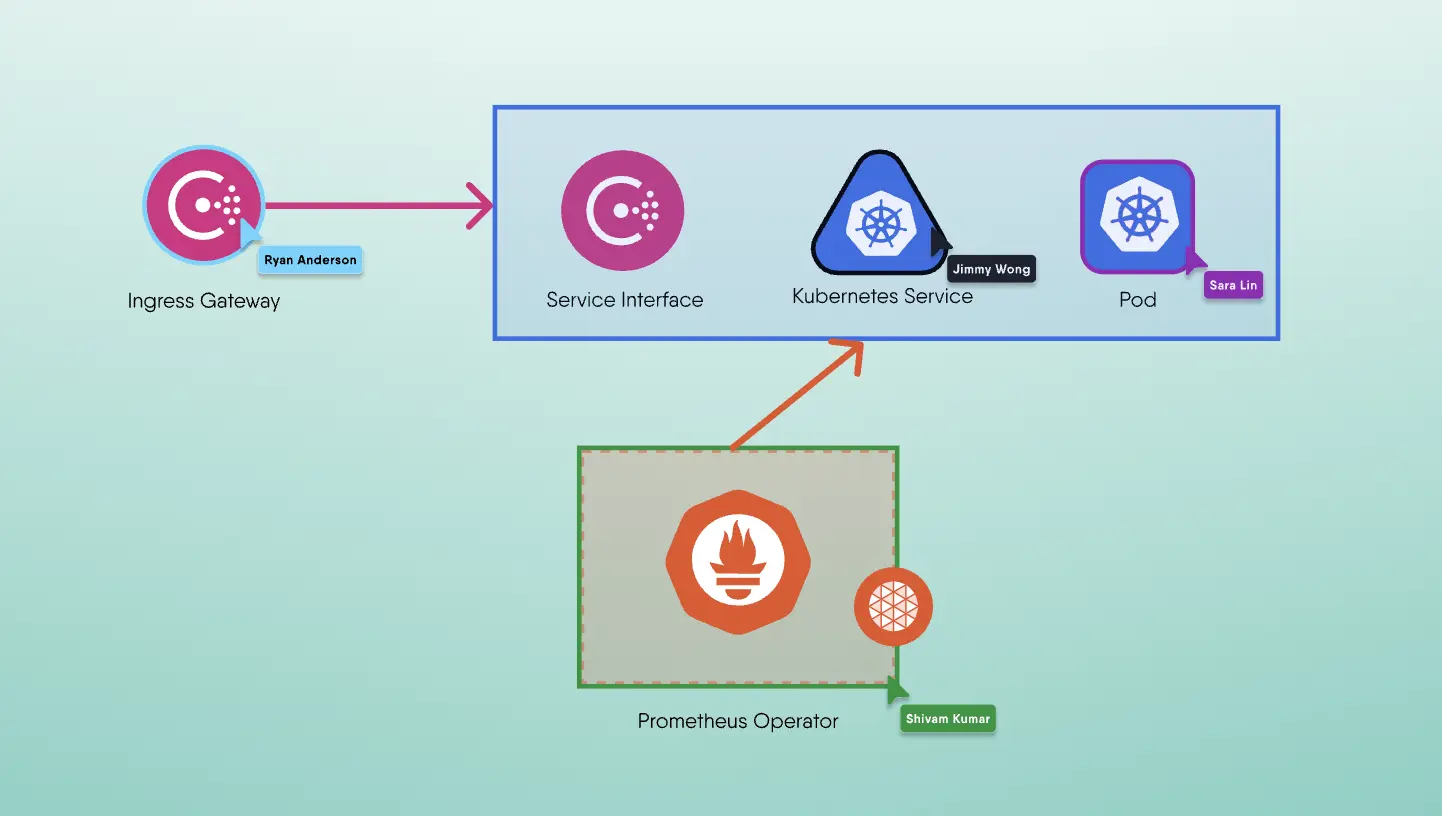


Layer5 is the steward of Meshery and creator of Kanvas, the collaborative canvas for cloud-native infrastructure. We bridge the gap between design and operation, allowing engineers to create, configure, and deploy orchestratable diagrams in real time. Whether managing Kubernetes or multi-cloud environments, Layer5 provides the tooling needed to oversee modern infrastructure with confidence.